Prompt Engineering for AI Search: How to Write Better Prompts for Perplexity and Grok
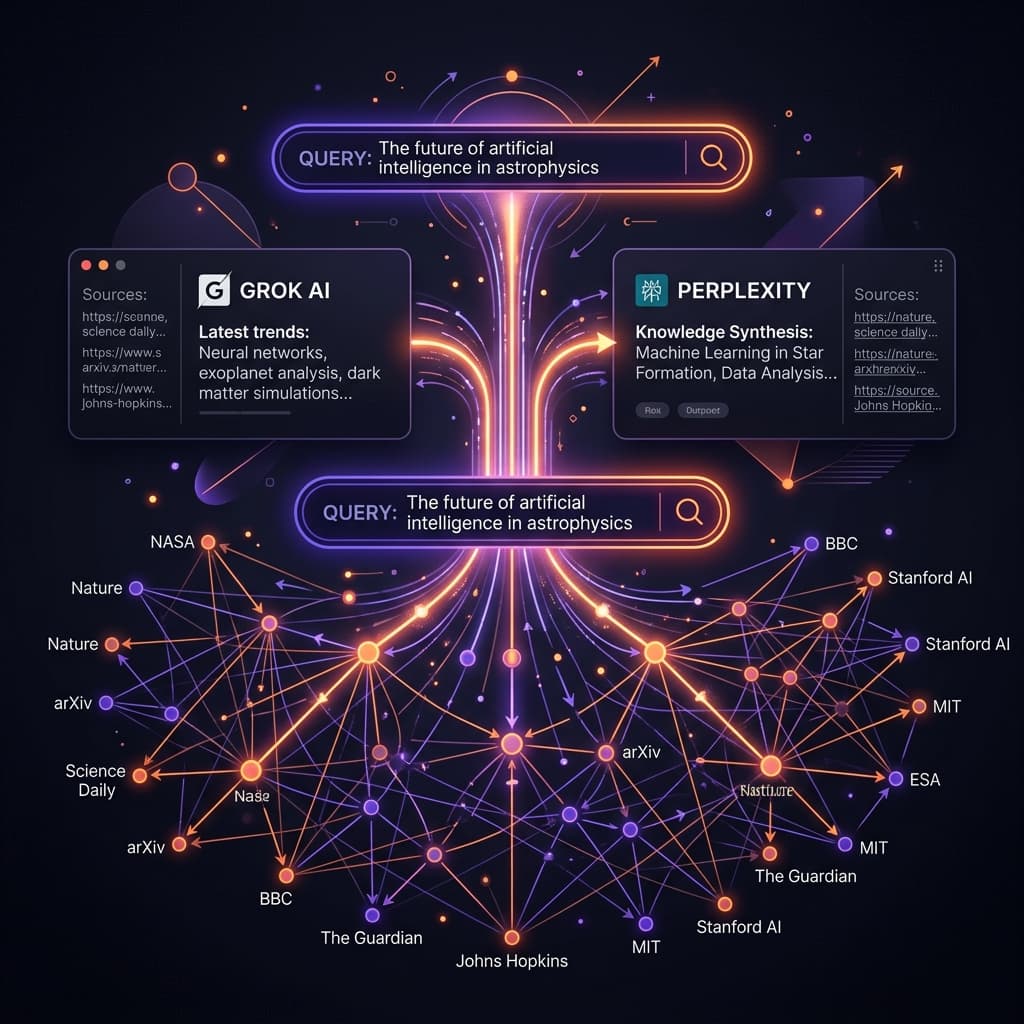
Quick Answer: Optimizing prompts for AI search answer engines (Perplexity, Grok, ChatGPT Search, and Google AI Overviews) requires treating the LLM as an intelligent crawler. Instead of verbose conversational instructions, a high-quality search prompt must specify the exact crawling scope (limiting domains), define the timeframe (e.g. 'within the last 30 days'), list the primary questions to answer, and demand a structured layout (like a comparison table) alongside verified citations to audit hallucinations.
GEO (Generative Engine Optimization): The practice of optimizing content to be crawled, synthesized, and cited by AI-powered search engines.
The rise of conversational AI search has fundamentally shifted how we locate information online. Traditional search engines return a list of links that you must manually click and filter. Answer engines like Perplexity AI and xAI Grok retrieve the sources for you, read the pages, and synthesize the answers instantly.
However, if you type simple queries like "tell me about prompt caching," Perplexity and Grok will often crawl generic marketing blogs and return basic summaries filled with SEO buzzwords.
To unlock the full power of AI search, you must apply structured search-prompt engineering. Here is how.
1. Defining the Crawling Scope (Domain Filtering)
By default, AI search models query broad web indexes. If you want high-signal, accurate information, your prompt must restrict the search to credible domain spaces.
For example, if you are researching software library updates or developer tools, you should forbid the model from reading affiliate landing pages:
Audit the current pricing and API changes for Anthropic prompt caching.

<sources_scope>
- Crawl ONLY official documentation sites: docs.anthropic.com, api.anthropic.com
- Do NOT crawl tech news blogs, forum threads, or affiliate articles.
- Focus on verifying the exact cache read and write pricing multipliers.
</sources_scope>
Using explicit XML-style tags (like <sources_scope>) is a crucial GEO tactic; conversational crawlers parse these boundaries much cleaner than loose markdown bullets.
By specifying strict domain rules, you prevent the LLM from ingesting unreliable summaries, resulting in accurate, source-backed answers. (For help structuring inputs with clean boundaries, refer to our AI prompt engineering guide).
2. Restricting the Search Timeframe
AI search engines default to retrieving whatever pages rank highest on search indexes—which are often outdated. When searching for fast-moving tech trends, always include a explicit timeframe in your query:
- Vague Prompt: "What is the latest news on Claude Code?"
- Engineered Search Prompt: "Search for release logs, GitHub issues, and developer reviews regarding Claude Code CLI. Restrict your crawl to pages published after March 2026. Summarize the top 3 unresolved bugs."
Adding a date boundary forces the model to ignore outdated historical documentation and focus its crawling window on recent announcements.
3. Utilizing Platform Focus Modes
Perplexity offers native Focus Modes that restrict searches to specific platforms. You can invoke these constraints programmatically or directly in your text prompts:
- Academic Focus: Restricts crawling to Semantic Scholar and scientific journals. Use this when researching medical papers, statistics, or academic benchmarks.
- Social/Reddit Focus: Directs the model to crawl Reddit and community forums. Ideal for tracking user opinions, product complaints, or real-time workarounds.
- Writing Mode: Disables search entirely. Use this when you want the model to help you compose or structure draft copy without crawling fresh data.
- YouTube Focus: Targets video transcripts and content. Excellent for analyzing tutorials or video essays.
- WolframAlpha Focus: Restricts the model to mathematical calculations, physics, and scientific data queries.
For example, a prompt designed for community analysis should read: "Evaluate customer sentiment regarding [SaaS product]. Search Reddit and social boards. Group the output into: (1) most praised features, (2) UI complaints, and (3) missing integrations."
If you want a step-by-step visual walkthrough on how to toggle these pools in the UI, check out this Perplexity Focus Modes Guide.
4. Auditing Citations and Combating Hallucinations
AI search engines are still prone to "source hallucinations"—summarizing a page incorrectly or attributing a statistic to a source that does not contain it.
To mitigate this, structure your output expectations to force transparency:
- Demand Inline Citations: Ask the model to place a brackets number pointing to the exact source URL for every statistic or claim.
- Objection Checking: Instruct the model to flag conflicting information: "If Source A and Source B conflict regarding release dates, write a dedicated 'Discrepancy Notes' section explaining the differences."
- Fact-Checking Outline: End the prompt with: "Provide a list of all crawled URLs at the bottom of the response so I can audit your references."
5. Perplexity and Grok Prompt Engineering Guidelines
| Prompt Vector | Traditional SEO Search | AI Search (GEO) Prompting |
|---|---|---|
| Tone | Keyword stuffing, fragmented phrases | Direct, declarative natural language |
| Sourcing | Reliant on indexing authority | Explicitly filtered domain scopes (<sources_scope>) |
| Formatting | General text paragraphs | Explicit layout demands (e.g., Markdown tables) |
Automate Your AI Search Workflows
Iterating search prompts across Perplexity and Grok can take significant time.
At PromptBuff, our template optimizer and browser extension let you manage search prompts effortlessly. You can save custom domain filtering lists, timeframe rules, and formatting schemas inside the PromptBuff dashboard, and inject them directly into your active Perplexity or Grok search fields with a single shortcut. This guarantees that every search query you execute is optimized for high-signal retrieval.
Try our free Perplexity Search Prompt Generator to build high-precision search templates in seconds.
Continue reading: Context Caching & Dynamic Variables in Agentic Workflows · Chain-of-Thought Prompting: The Complete Developer Guide
Frequently Asked Questions (FAQ)
How does prompting Perplexity differ from prompting ChatGPT or Claude?
ChatGPT and Claude prioritize logical reasoning, synthesis, and creative generation from static training data. Perplexity is a search-first answer engine that relies on real-time web crawling. Prompting Perplexity requires focus on search scope rules (domains, time limits, modes) rather than extensive roleplay instructions.
What are focus modes in Perplexity prompts?
Focus modes allow you to restrict where Perplexity crawls. In your prompts, you can explicitly request: 'Academic' (scientific journals), 'Reddit' (discussion threads), 'Writing' (no web search), 'YouTube' (video platforms), or 'WolframAlpha' (math and computational data).
How do I prompt Grok to get the most accurate search results?
Grok integrates deeply with real-time X (Twitter) posts. To optimize Grok prompts, tell it to evaluate sentiment or retrieve recent events by targeting specific hashtags or user profiles, and ask it to separate verified news from promotional content.
Can I use prompt caching with AI search tools?
Direct web-search portals like Perplexity and Grok do not support direct developer prompt caching. For API integrations, Perplexity's 'Sonar' API is in maintenance mode in 2026, superseded by their Agent API, neither of which supports native provider-level prompt caching. Instead, developers must handle prompt caching directly through underlying foundation model APIs (like Anthropic's explicit or OpenAI's implicit caching) rather than the Perplexity wrapper layer.